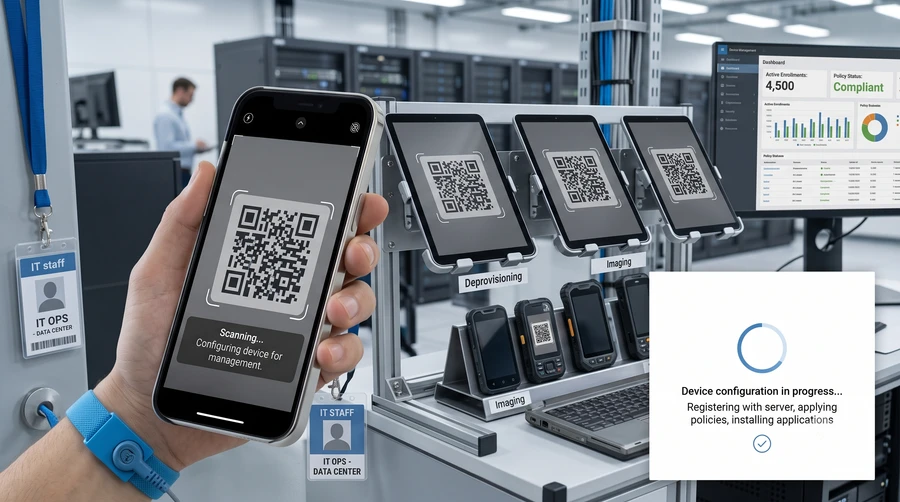
Scan a QR code. The device configures itself.
Provision Android scanners, tablets and POS terminals in minutes — no manual setup, no IT visit. Scan a QR code and the device enrols, installs the right apps, and locks down to just what your team needs.
Provisioning that doesn't need an IT visit
Four things that matter once you're rolling out more than one device.
QR Code Provisioning
Unbox a new Android device, scan a QR code, and it enrols itself with the right settings automatically.
Automatic App Deployment
The right apps install automatically based on the device's role — scanner, POS, driver app or dispatch.
Kiosk & Lockdown Mode
Restrict a device to only the apps it needs, so staff can't wander into settings or install anything else.
Remote Monitoring & Wipe
See every device's status from one dashboard, and lock or wipe a lost or stolen unit remotely.
One QR code, a fully configured device
Android's zero-touch and QR provisioning tools let us configure a device before your team ever opens the settings menu.
- Devices enrol automatically into your fleet the moment they're switched on and scan the code
- Role-based profiles: a warehouse scanner, a POS tablet and a driver phone all provision differently
- Over-the-air updates and app pushes without collecting devices back in
- Works across RF scanners, tablets and phones from most Android hardware vendors
Pairs well with
Frequently asked questions
Can't find what you're looking for? Get in touch and we'll walk you through it.
01What is QR provisioning for Android devices?
02Does every device need to be provisioned individually?
03Can we lock a device down to only certain apps?
04What happens if a device is lost or stolen?
Get every device provisioned the same way, every time.
Tell us how many devices and what roles they need, and we'll set up QR provisioning for your fleet.